
Face comparison
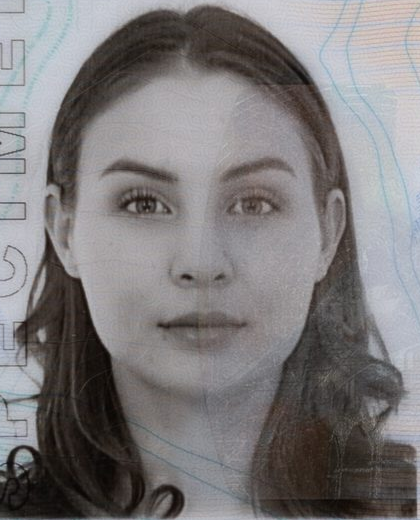
Compare faces in two images, such as a document portrait and a selfie. Receive similarity and decision signals, including results that need review.
Try face comparisonDocument intelligence & identity APIs
From the document to the person.
Extract document data. Compare faces and signatures. Add a guided liveness check. Build document intake and identity-review workflows around separate, explicit results.
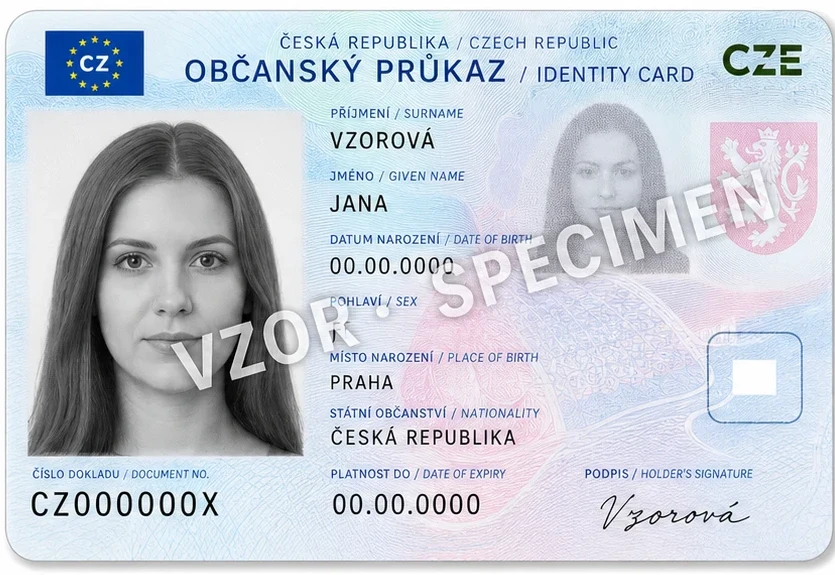
Tested identity-card layouts
01 / Document intelligence
Extract supported identity-card, passport and invoice fields. Keep detected objects, document fields and image-quality signals together in a structured response.
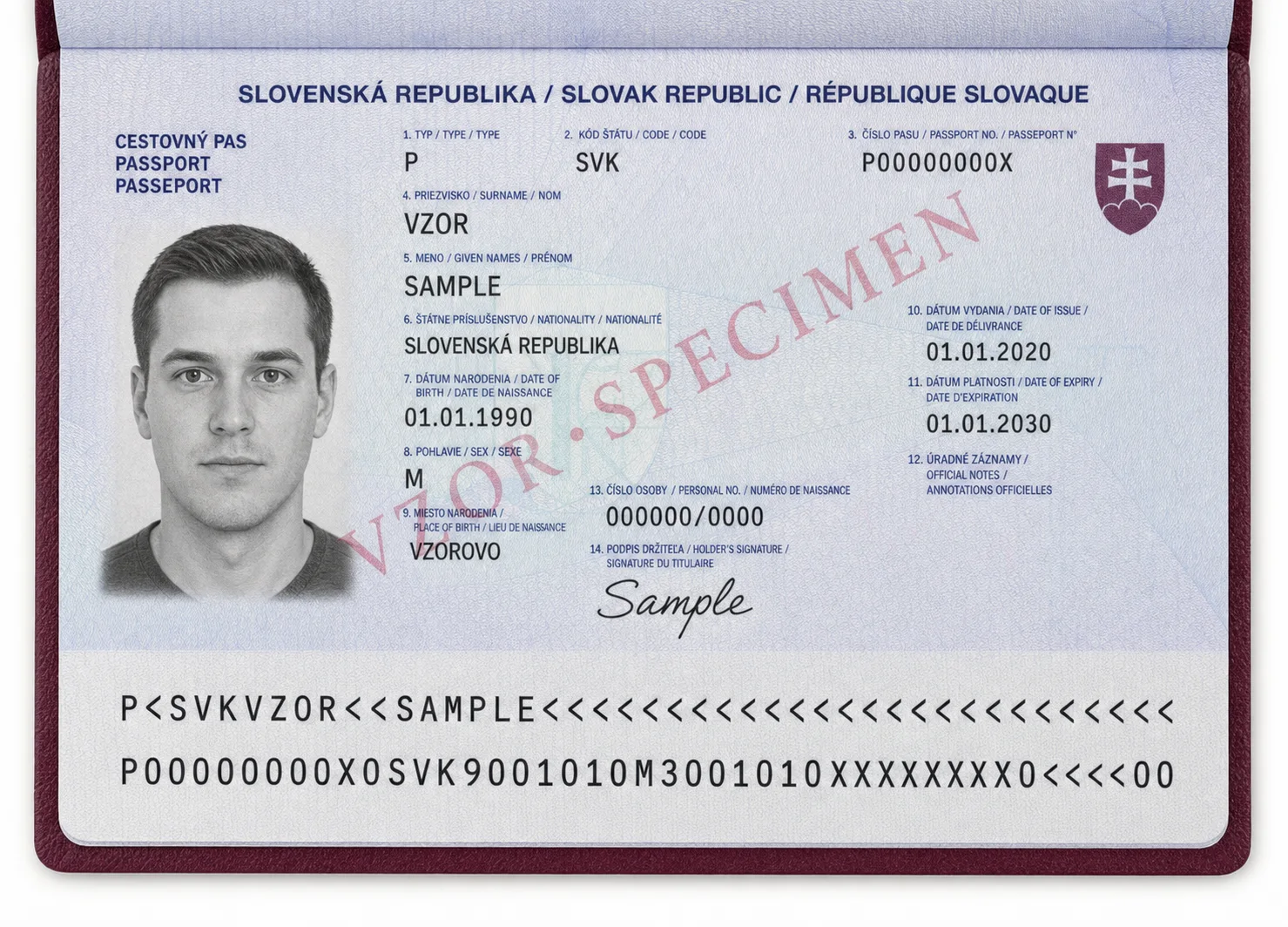
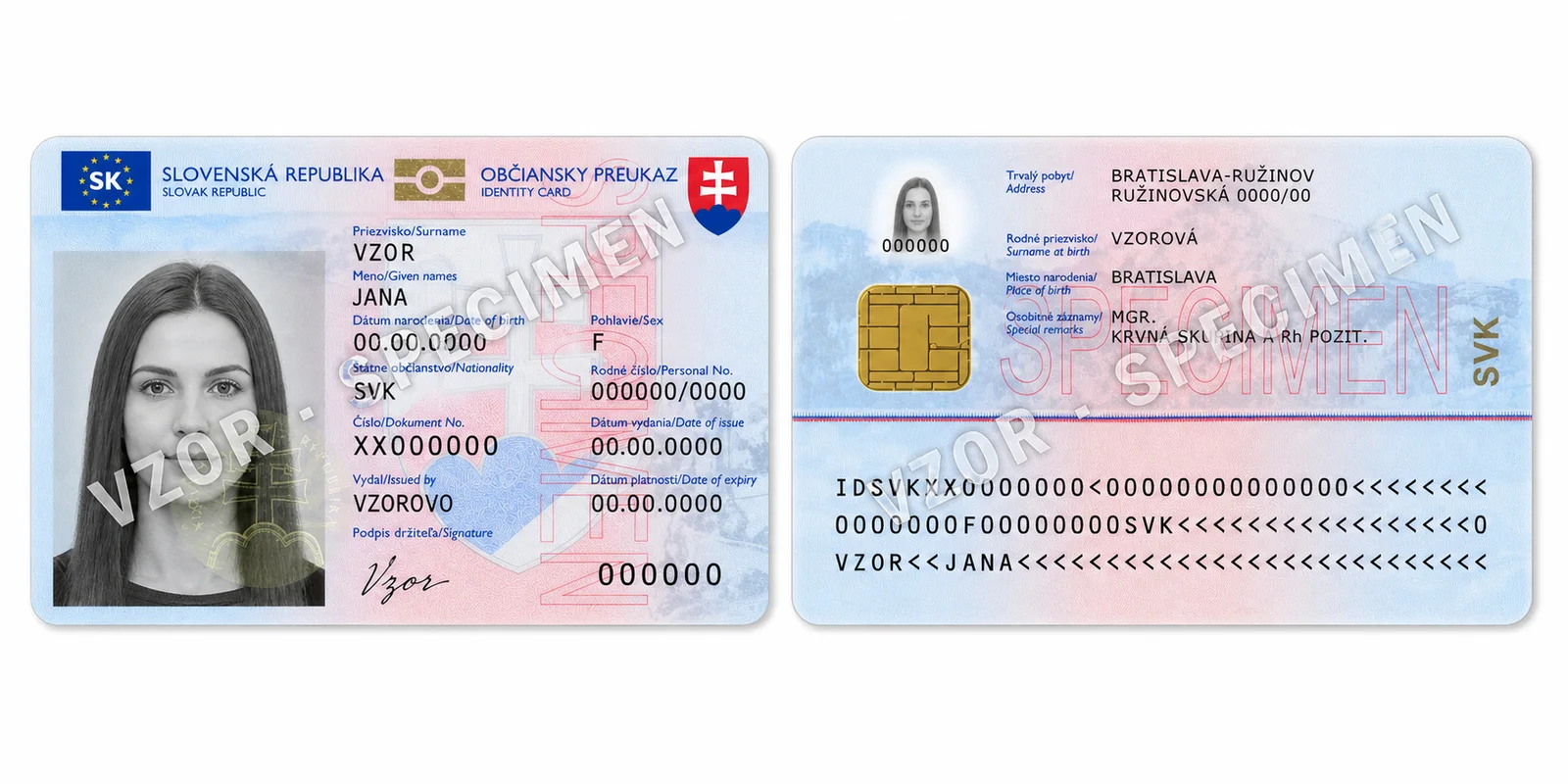
Coverage is specific to document type and country. Explore tested layouts, passport MRZ support and sample fields before integrating.
Explore document coverage02 / Identity signals
Face comparison and liveness answer different questions. Use either independently, or bring their results into your own acceptance and review process.
Compare faces in two images, such as a document portrait and a selfie. Receive similarity and decision signals, including results that need review.
Try face comparisonGuide a participant through a short camera capture, then retrieve a liveness assessment. Checking for a live person is separate from matching a face.
Explore camera livenessFeature access depends on your environment and workspace policy. A liveness assessment alone does not establish identity.
Compare two signature images and route uncertain results for review.
Try signature comparisonUse dedicated vehicle processing alongside document workflows.
Explore vehicle processingCheck blur, rotation and detected regions before downstream decisions.
Explore image analysis03 / Your workflow
Choose the evidence you need, then apply your own risk policy. Keep each assessment visible and route uncertain results to a person for review.
Extract supported fields and check source-image quality.
Compare portraits or signatures when your process requires it.
Optionally add consented liveness and review the separate results.
Designed for integration
Typed operations, consistent errors, and generated OpenAPI make the API straightforward to inspect, test, and add to backend services.
{
  "requestId": "req_01K39C9X",
  "model": "Document",
  "processingTimeMs": 487,
  "objects": [
    {
      "category": "IdentityDocument",
      "confidence": 0.992,
      "results": {
        "scanner": { "fields": { "surname": "Novakova" } },
        "blur": { "isBlurred": false },
        "rotation": { "degrees": 0.4 },
        "faces": [{ "confidence": 0.987 }]
      }
    }
  ]
}Explore with a sample, then build your own workflow.