Skip to content

OCR services

Document OCR API and structured field extraction

Extract fields from supported documents, invoices and forms with Scanverion. Explore OCR coverage, sample fields and a working API request.

  • JPEG, PNG, WebP or PDF
  • Up to 10 MB per file
Document processing requestbash
curl --request POST "$SCANVERION_API_URL/api/v1/ai/document-processing" \
  --header "Authorization: $SCANVERION_API_KEY" \
  --form "File=@document.jpg;type=image/jpeg" \
  --form "Operations=Scanner"

Use your API base URL and processing key. This example requests extraction; choose additional operations in the integration guide.

Supported documents

See what Scanverion can read.

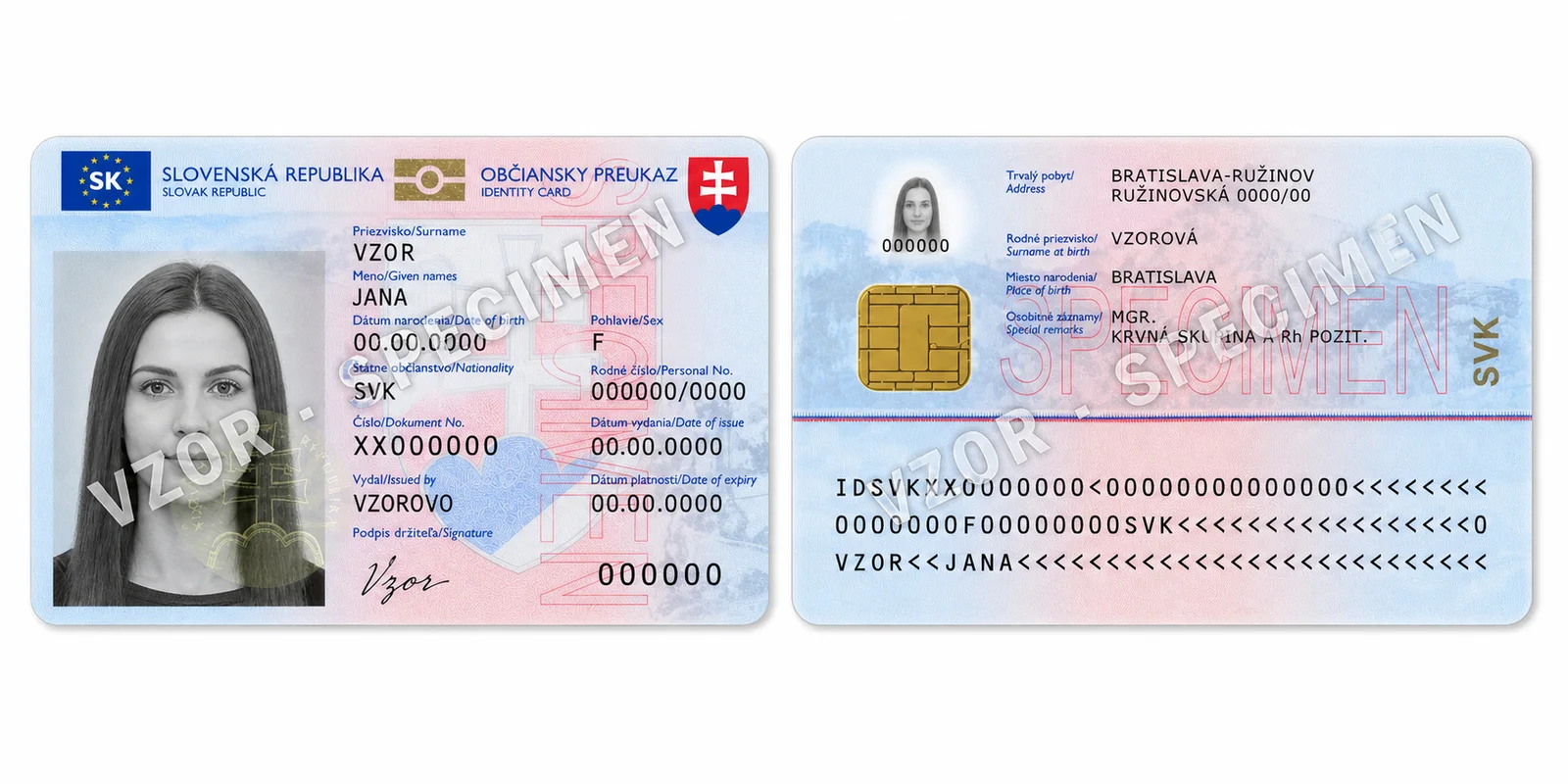
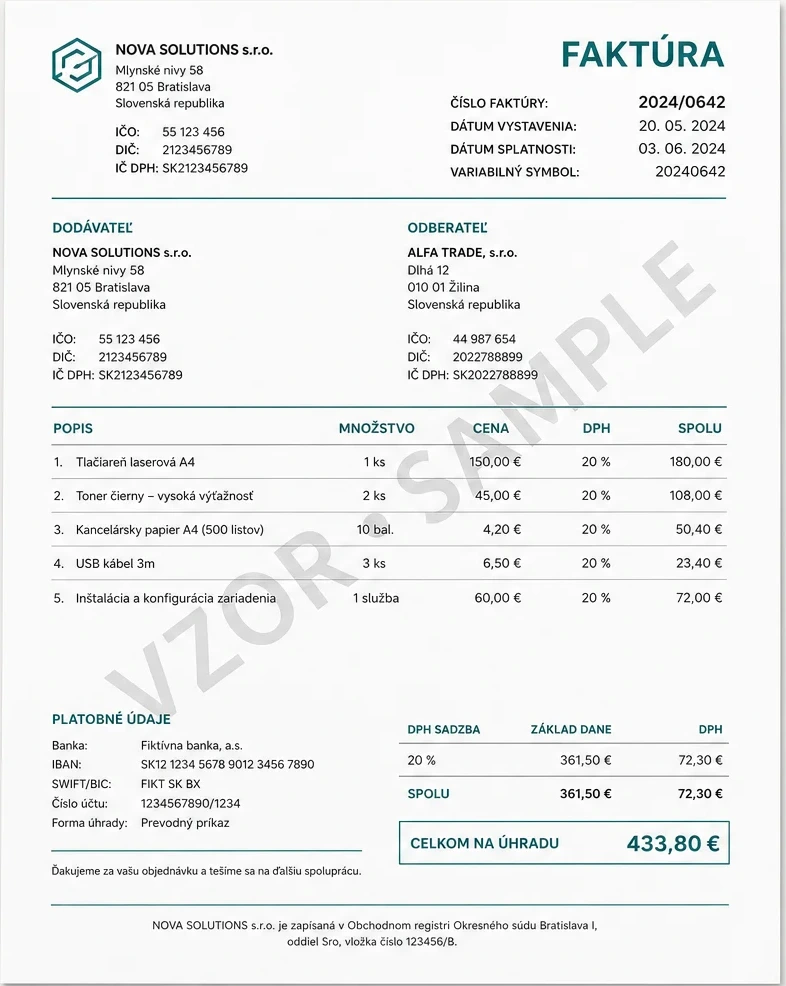
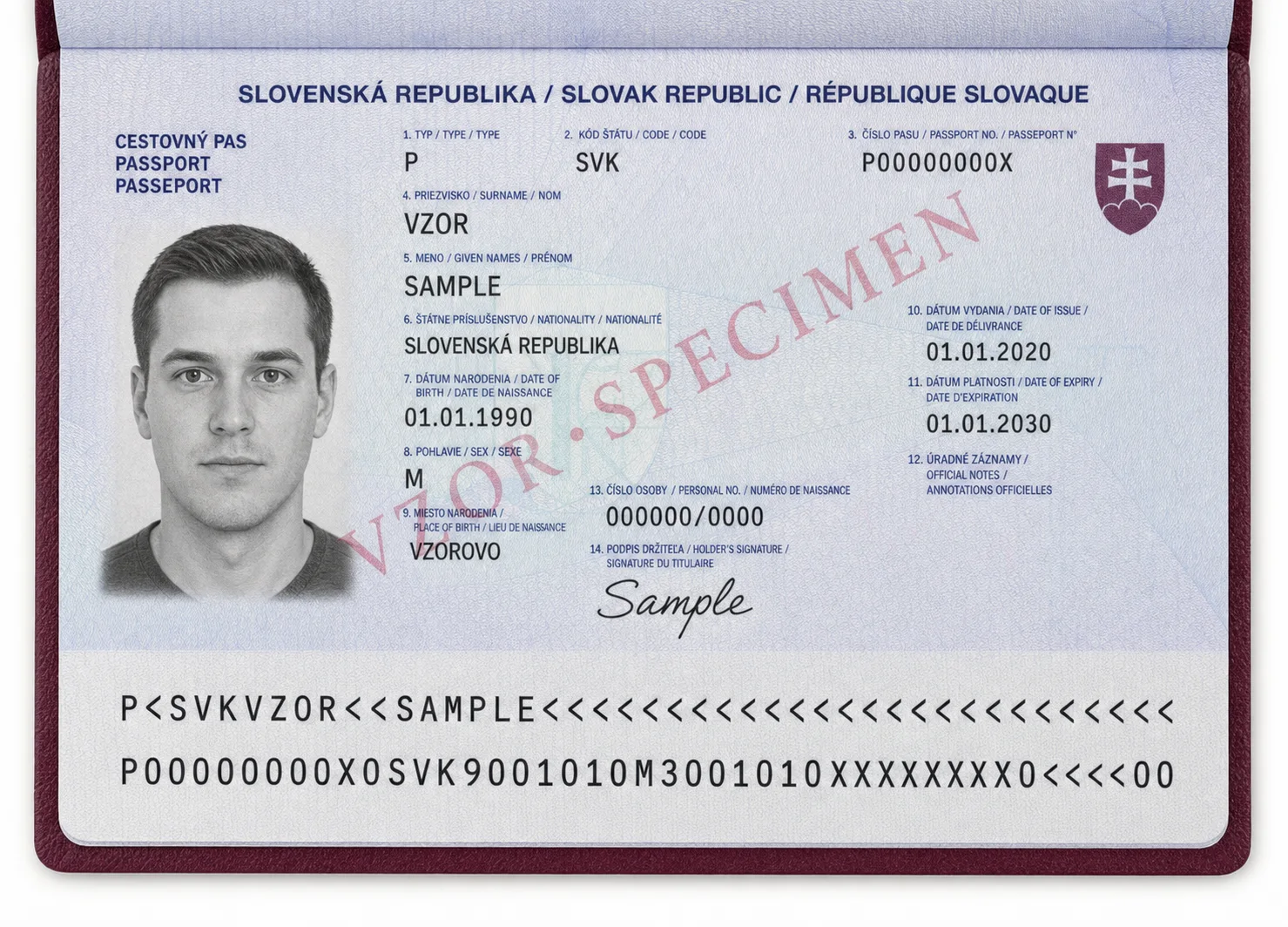
Clearly invalid AI specimens are based on linked public document layouts. The cards distinguish an API category from the structured Scanner output that has been implemented and tested.

Fictional AI specimen of a Slovak business invoice

Invoice

Layout based

Layout-based invoice extraction

Example fields
API category

Invoice

Example fields
invoiceNumbersupplierNamecustomerNamepaymentReferencelineItemsgrossTotal
Layout reference: Original Scanverion AI invoice specimen · Fictional demo

AI-generated demo images use fictional data, visible SPECIMEN markings and invalid machine-readable values. They are not real or customer documents.

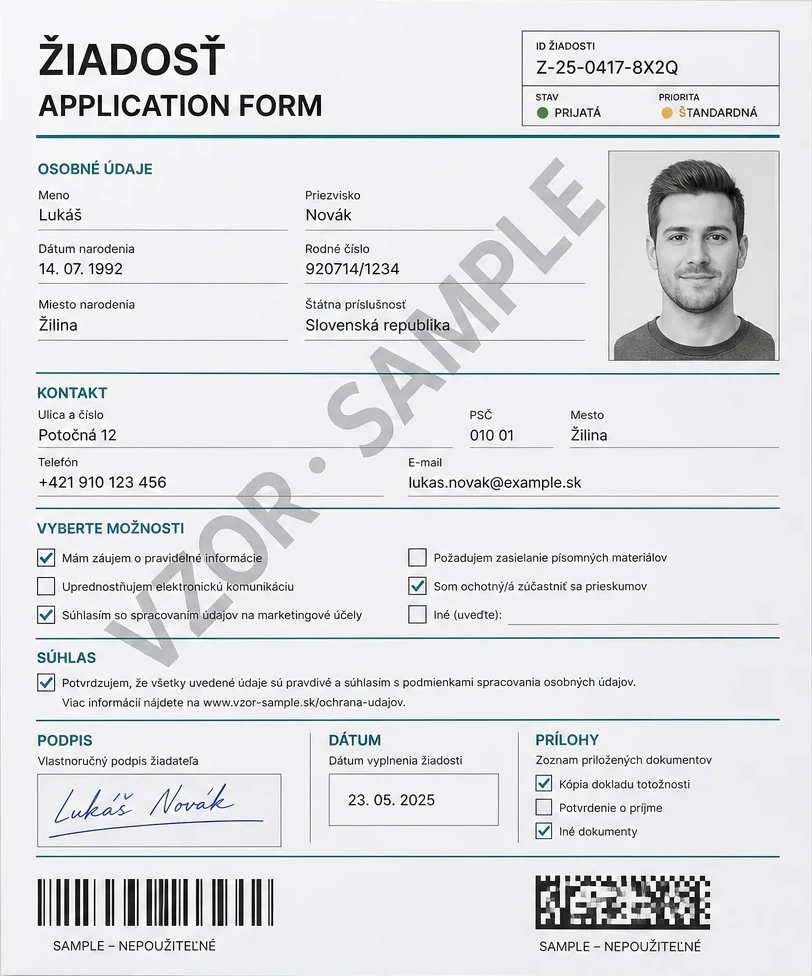
Fictional AI application form with checkboxes, portrait, signature and sample codes

Generic documents

Visual operations work beyond known document types.

Checkboxes, barcodes, signatures, faces, blur and rotation can be analysed on forms, contracts, scans and unknown documents. A dedicated Scanner profile is not required.

  • Detection: Locate documents and other objects.
  • Rotation: Measure document orientation.
  • Blur: Evaluate image sharpness.
  • BarcodeReading: Read QR and linear barcodes.
  • CheckboxDetection: Evaluate checkbox regions supplied in the request.
  • SignatureDetection: Detect a visible signature.
  • FaceDetection: Locate visible faces.
  • FaceExtraction: Return detected face regions.
Example fields

CheckboxDetection uses CheckboxDefinitions supplied with the request. Full-image scanning can also return requested ScannerFields.

Layout reference: Original Scanverion AI application form · Fictional demo

Country support

Coverage follows the document standard and issuing layout.

Passport MRZ data is standardized globally. Identity cards and other national documents require a tested layout for that country and document generation.

01

Passports

MRZ fields from any passport with a readable ICAO TD3 MRZ
Additional printed layouts tested
SKFICHUA

The MRZ provides names, document number, dates, sex and nationality. Additional printed fields depend on the national layout.

02

National identity cards

Structured fields for supported front and back layouts
Country layouts tested
SKCZHURODEATPL

Front and back coverage varies by country and card generation.

View all document capabilities →

Integration and evaluation

Evaluate the API with the details that matter.

Working integration examples

Authentication, ScannerFields, operation dependencies, errors, SDKs and the full API contract.

Read the integration guide →

Compare plans

Review monthly credit allowances, optional overage and billing terms. Credits depend on the operations you request.

Compare plans →

Document OCR

Common questions

Which documents and countries are supported?

Passports: MRZ fields from any passport with a readable ICAO TD3 MRZ The MRZ provides names, document number, dates, sex and nationality. Additional printed fields depend on the national layout.

National identity cards: Structured fields for supported front and back layouts Front and back coverage varies by country and card generation.

Invoice: Layout-based invoice extraction

Any document or form: Generic fields and document-independent visual operations

How do I choose which fields to extract?

Use Scanner for supported document layouts. For full-image scanning, request ScannerFields explicitly; they are required when Scanner is combined with DisableObjectSegmentation. Visual operations do not require a dedicated document profile.

Which input files can I send?

The document-processing endpoint accepts JPEG, PNG, WebP and PDF files up to 10 MB. Supported fields depend on the document layout and requested operations.