
Face comparison
Compare faces in two images, such as a document portrait and a selfie. Receive similarity and decision signals, with uncertain results routed for review.
Similarity supports review; it is not proof of identity or liveness.
Product capabilities
Extract the document. Compare the faces. Check for a live person. Bring document and identity signals into your own verification workflow.
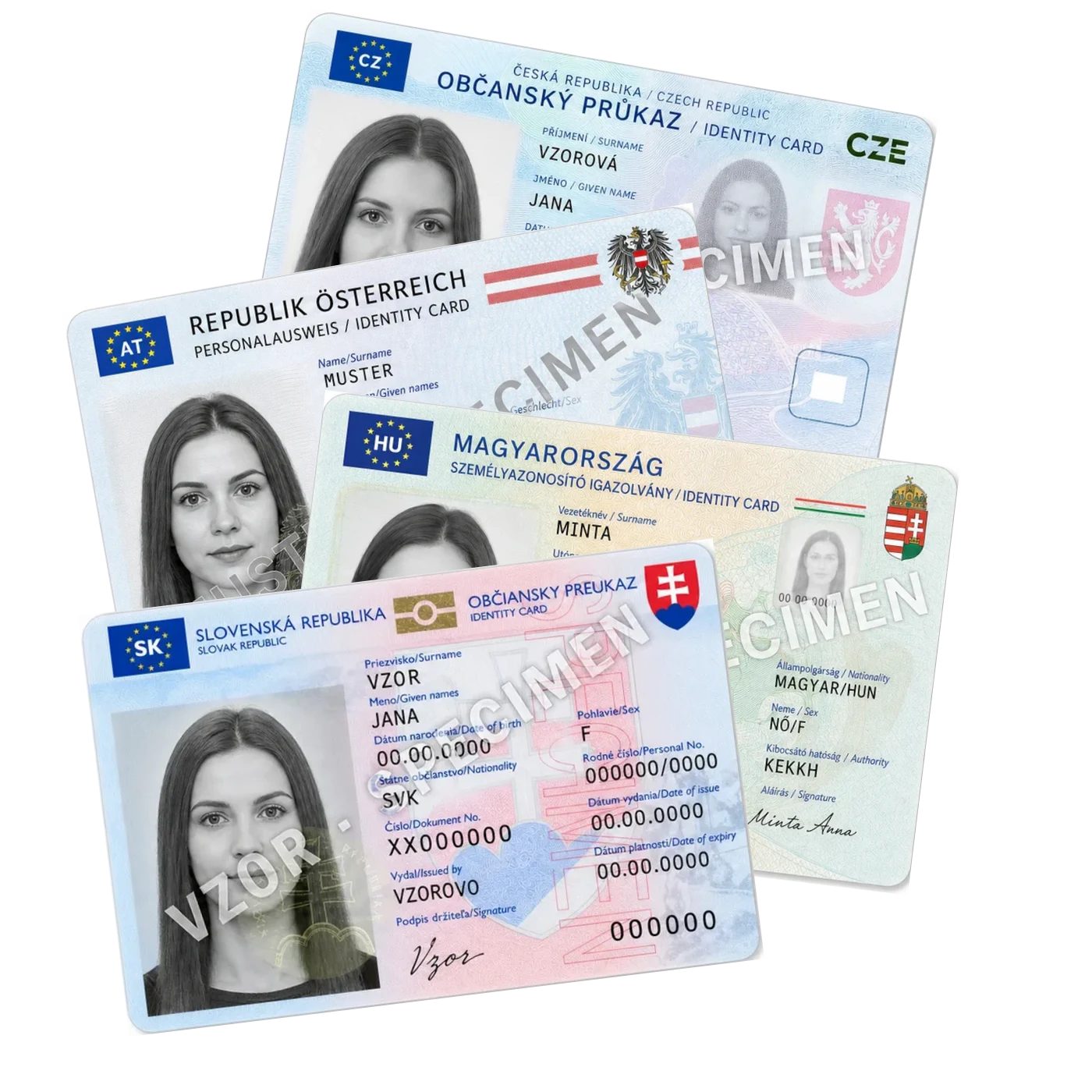
Illustrative document samples · coverage varies by type and country
Supported documents
Extract fields from supported identity documents, passports, invoices and forms. Keep results connected to their source document.
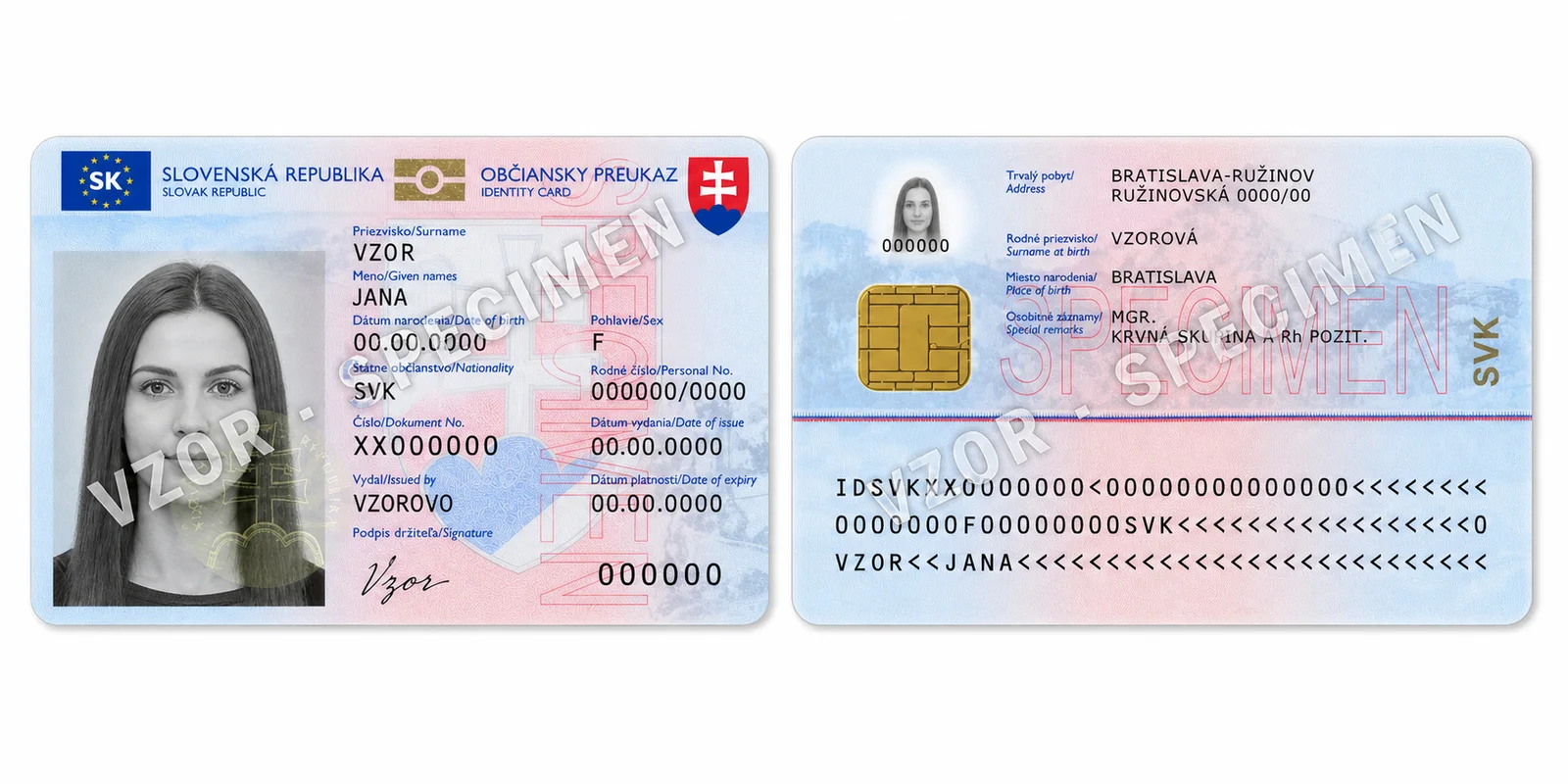
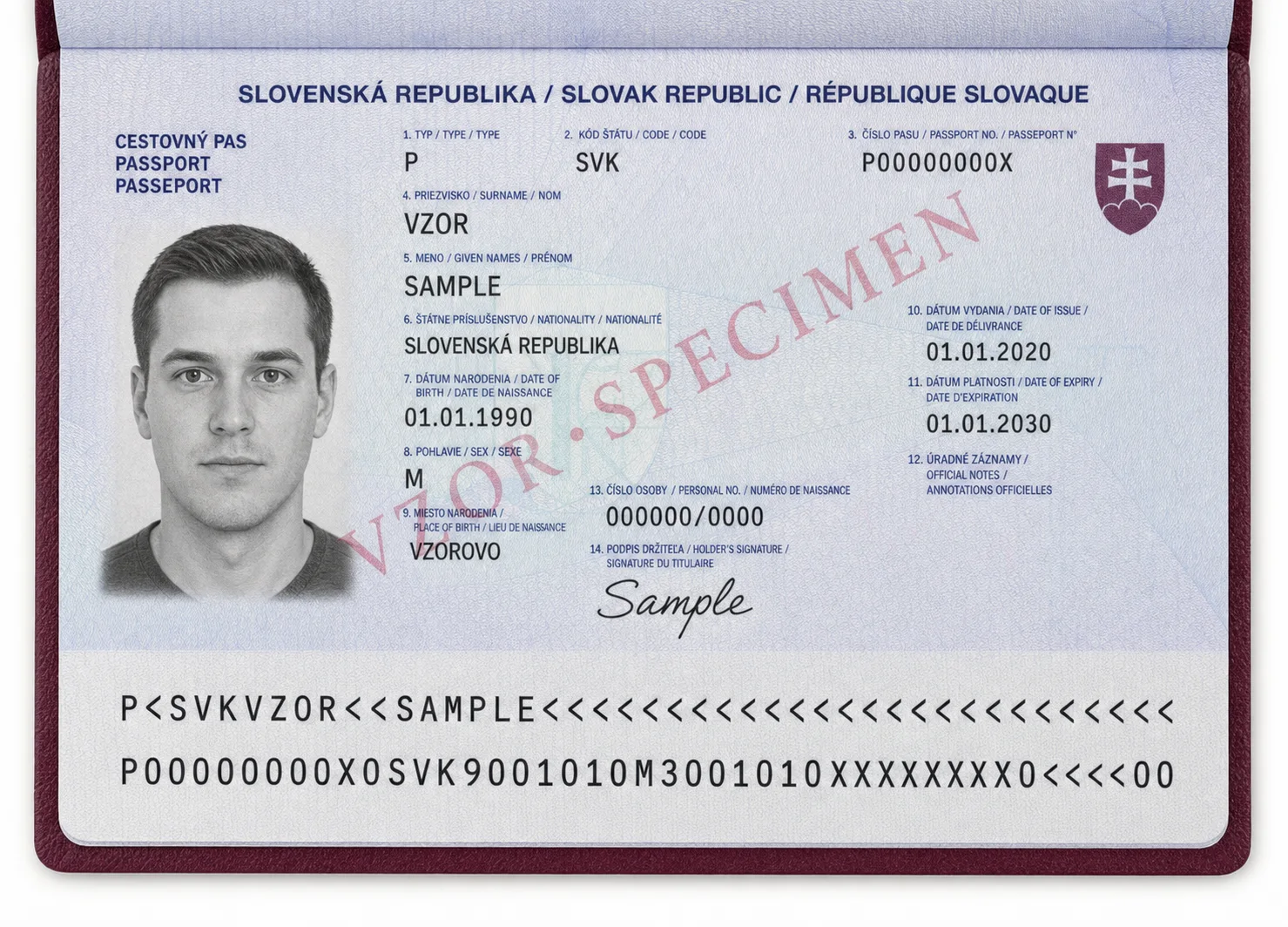
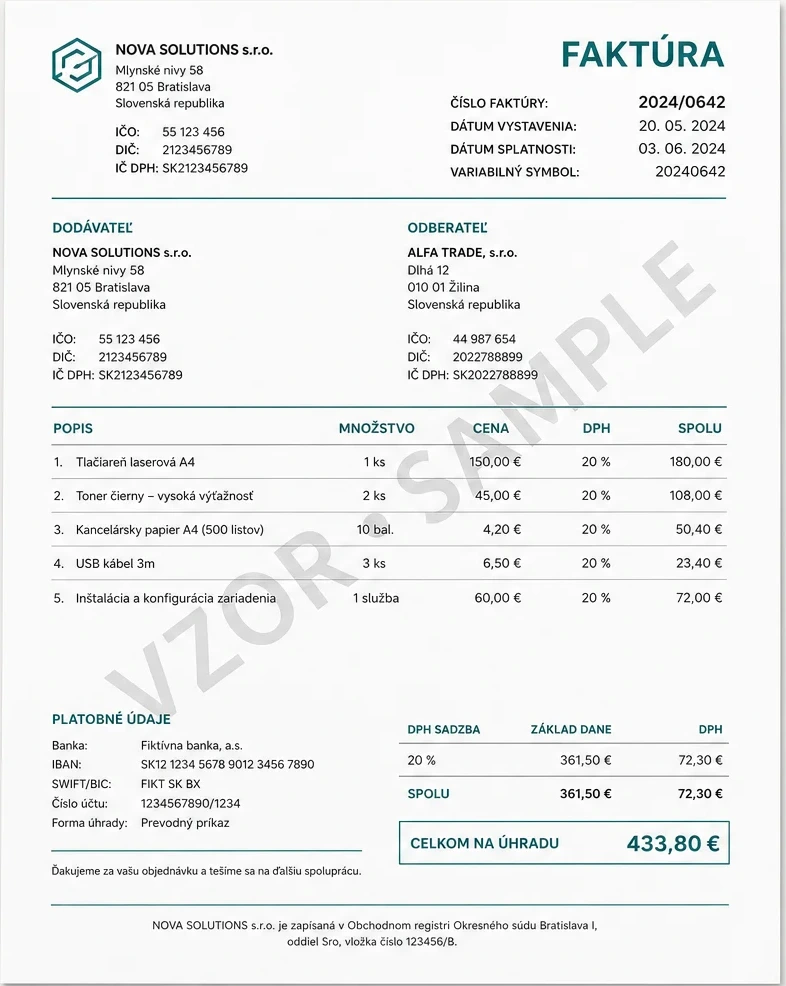
Coverage depends on the issuing country, document generation and layout. Extraction is not a document-authenticity check.
Passports: readable ICAO TD3 MRZ worldwide. Additional printed layouts tested: Slovakia, Finland, Switzerland, Ukraine, Czechia, Hungary, Austria.
Identity cards: tested national layouts; front/back support varies by country and card generation. Slovakia, Czechia, Hungary, Romania, Germany, Austria, Poland.
Residence permits, driving licences, vehicle registration I/II and disability cards: supported Slovak layouts.
Invoices are layout-based. Other documents and forms support requested fields and visual operations, not a dedicated national profile.
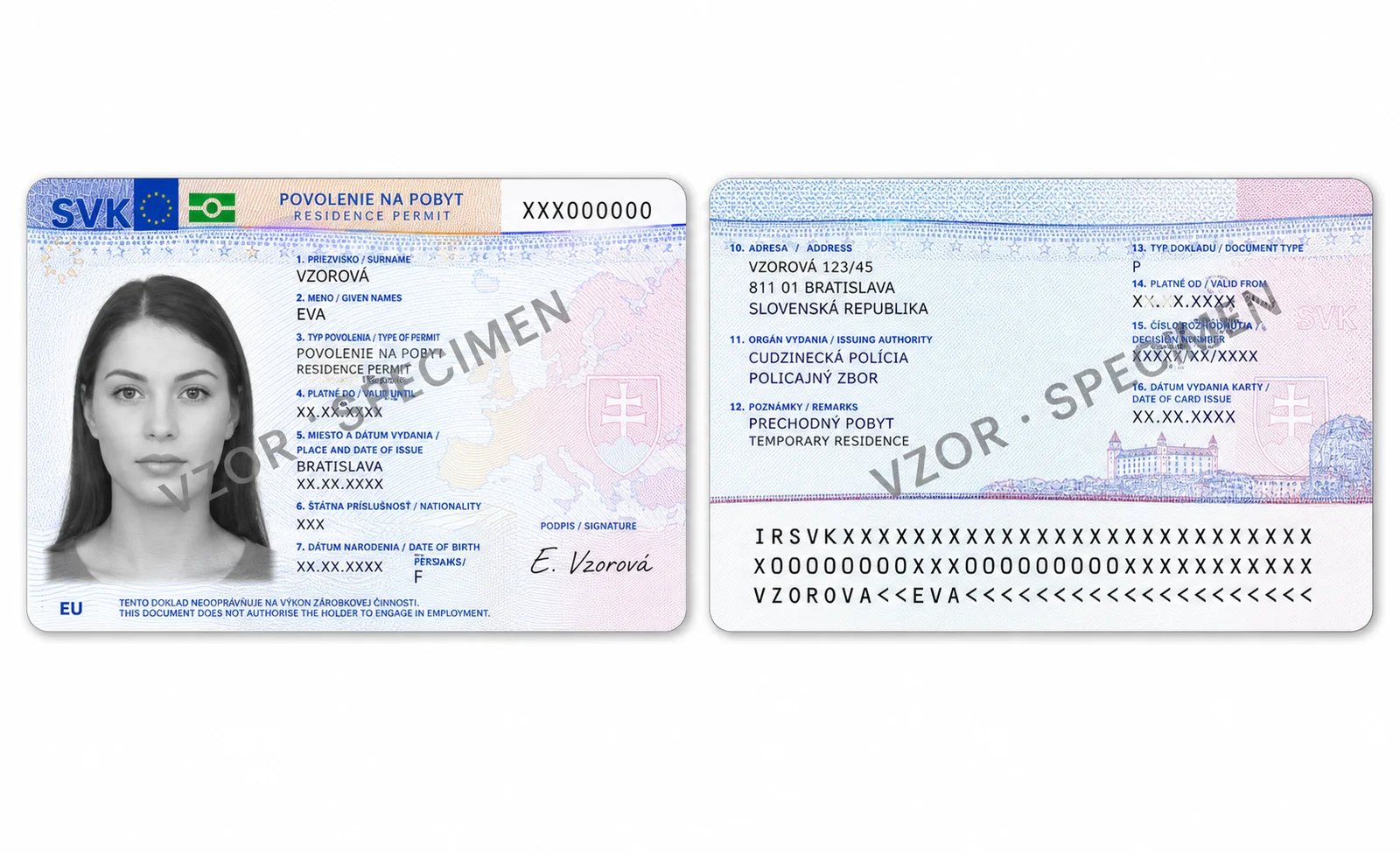
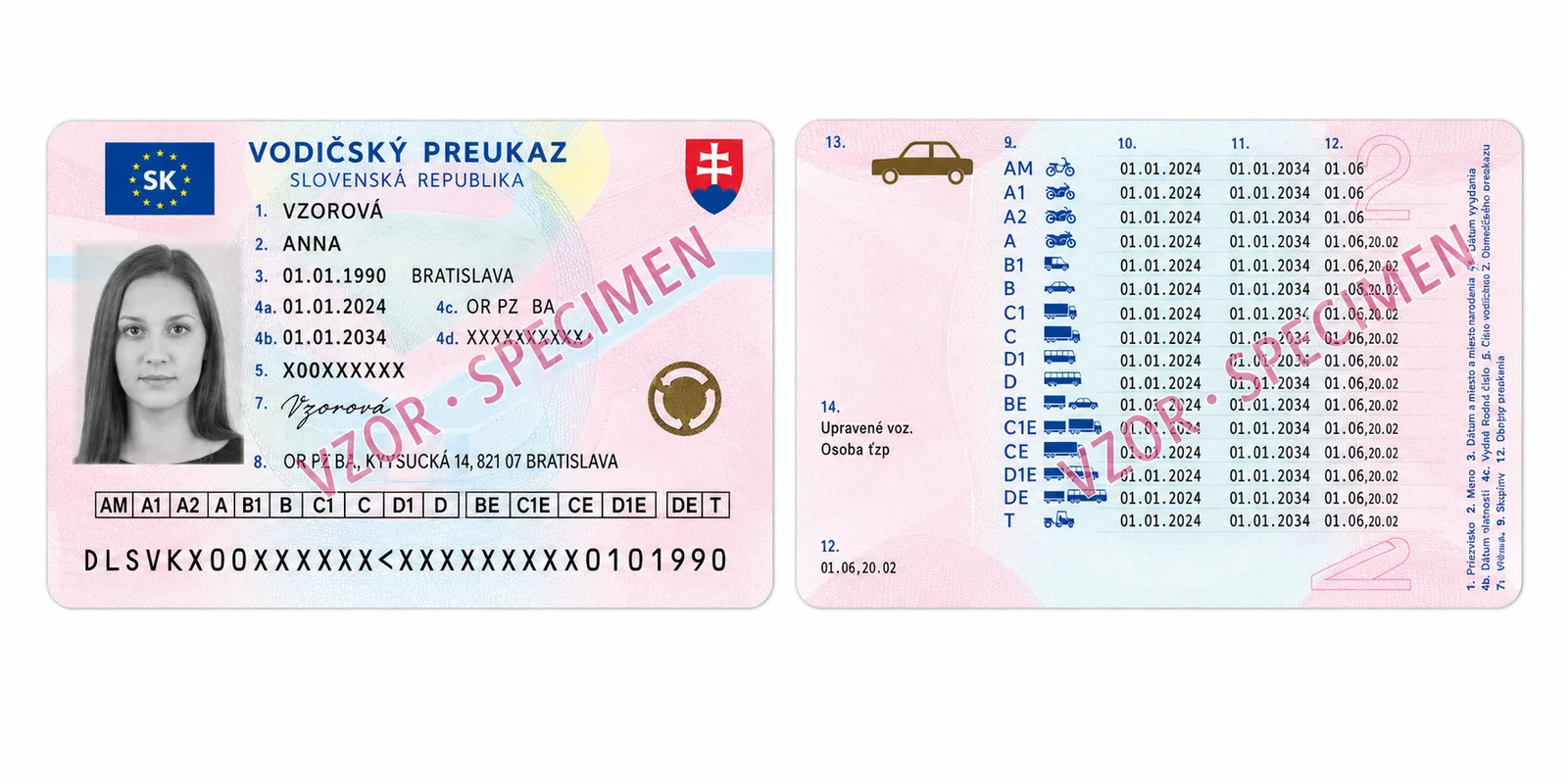
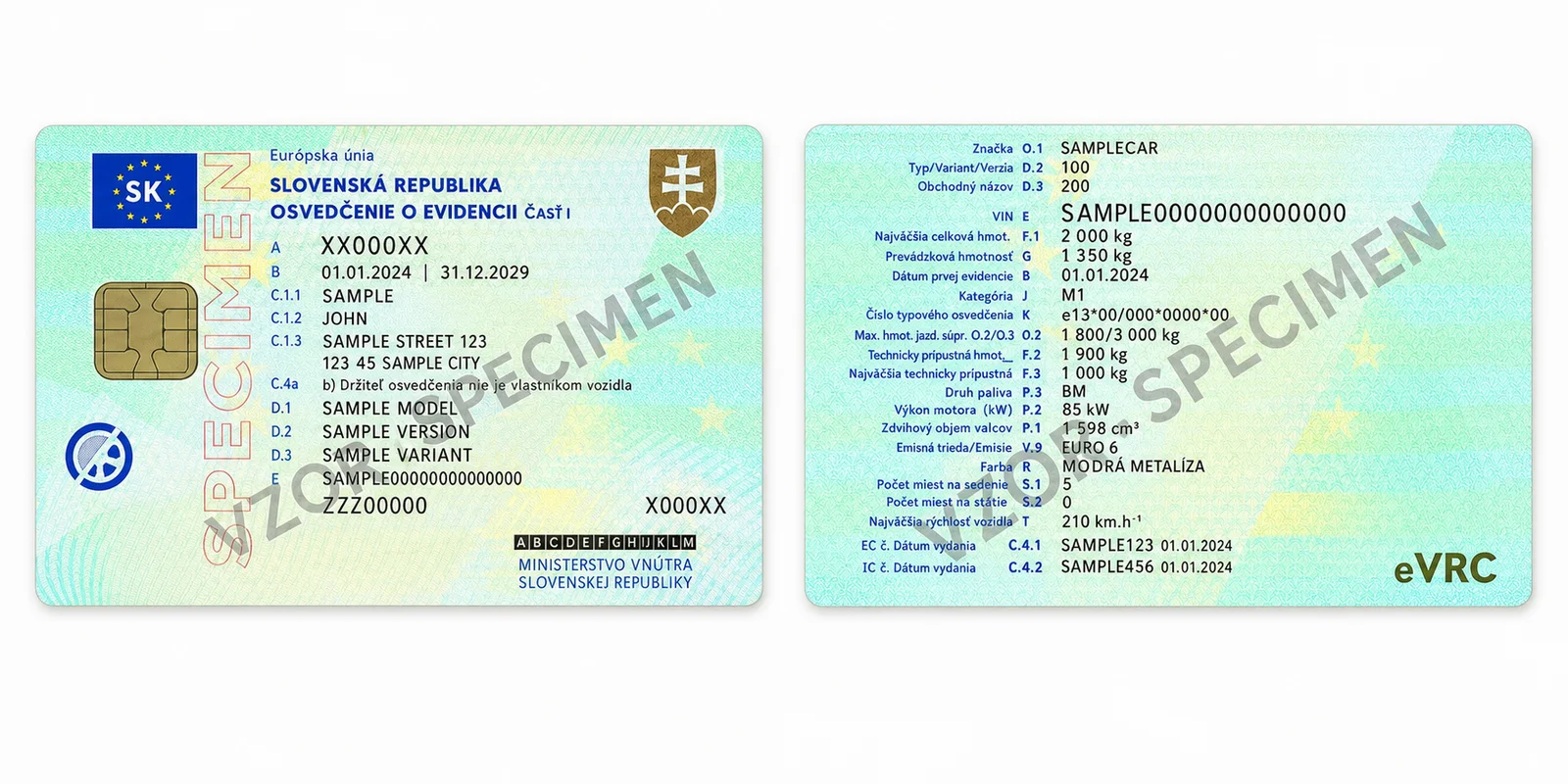
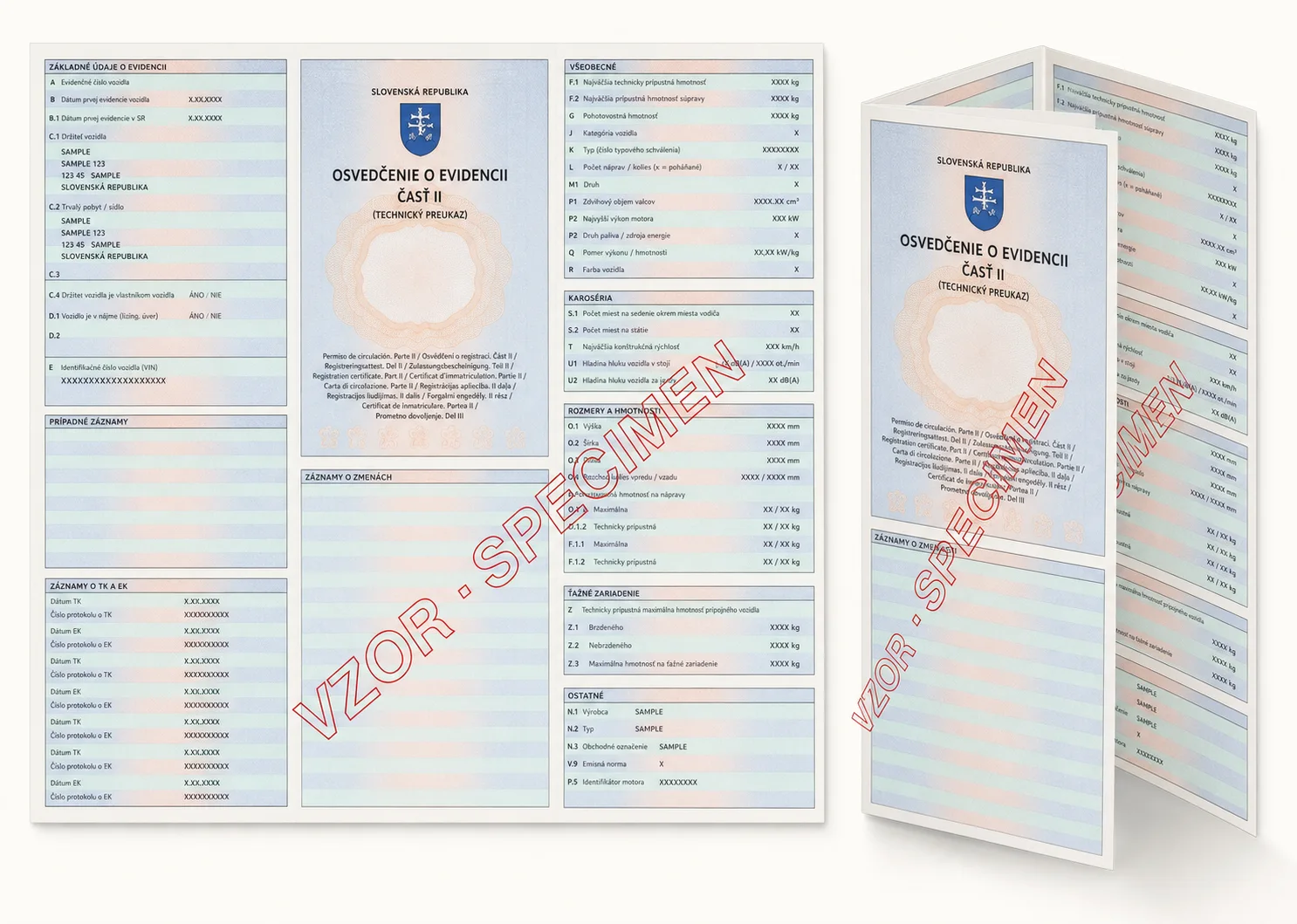
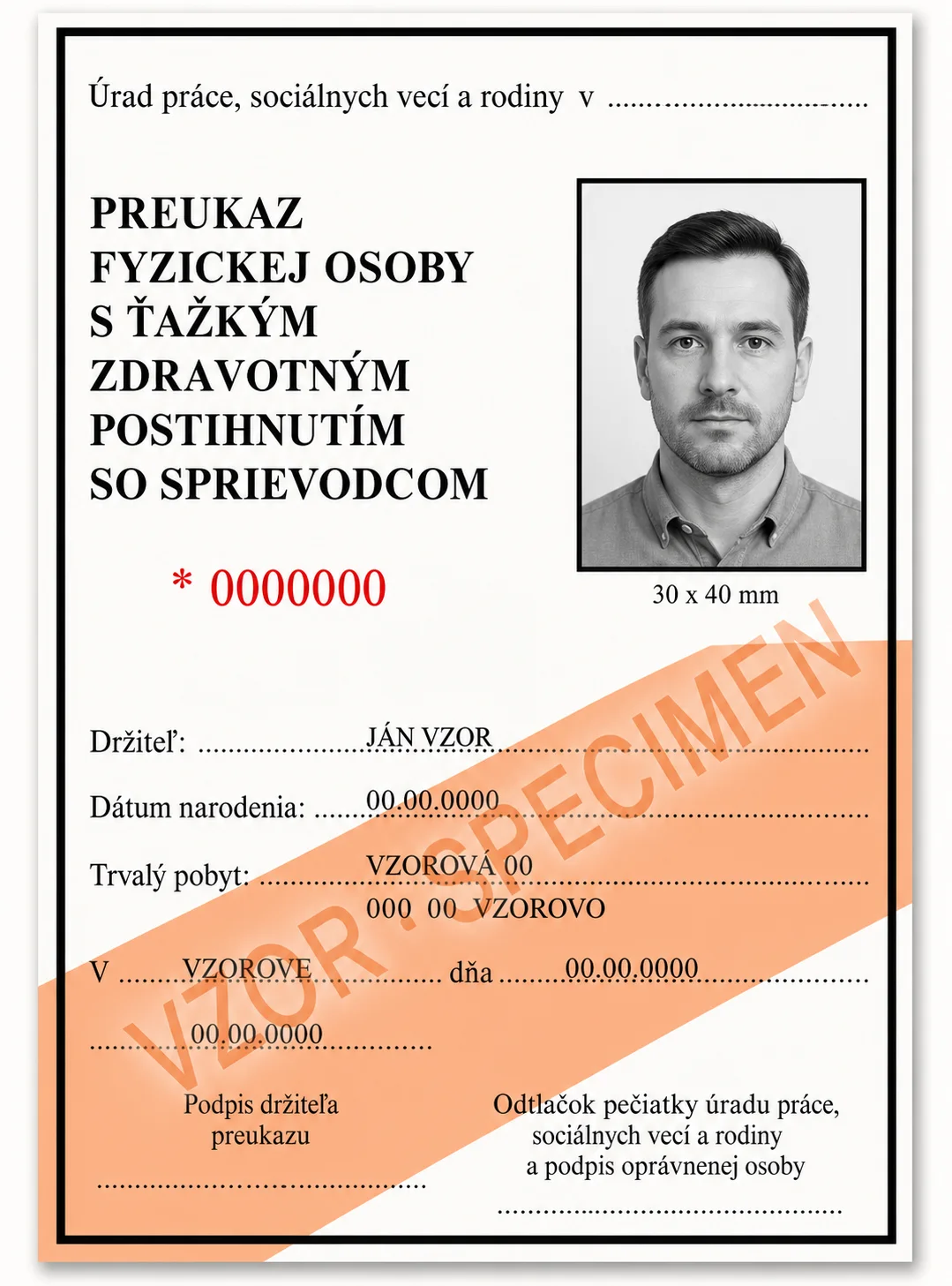
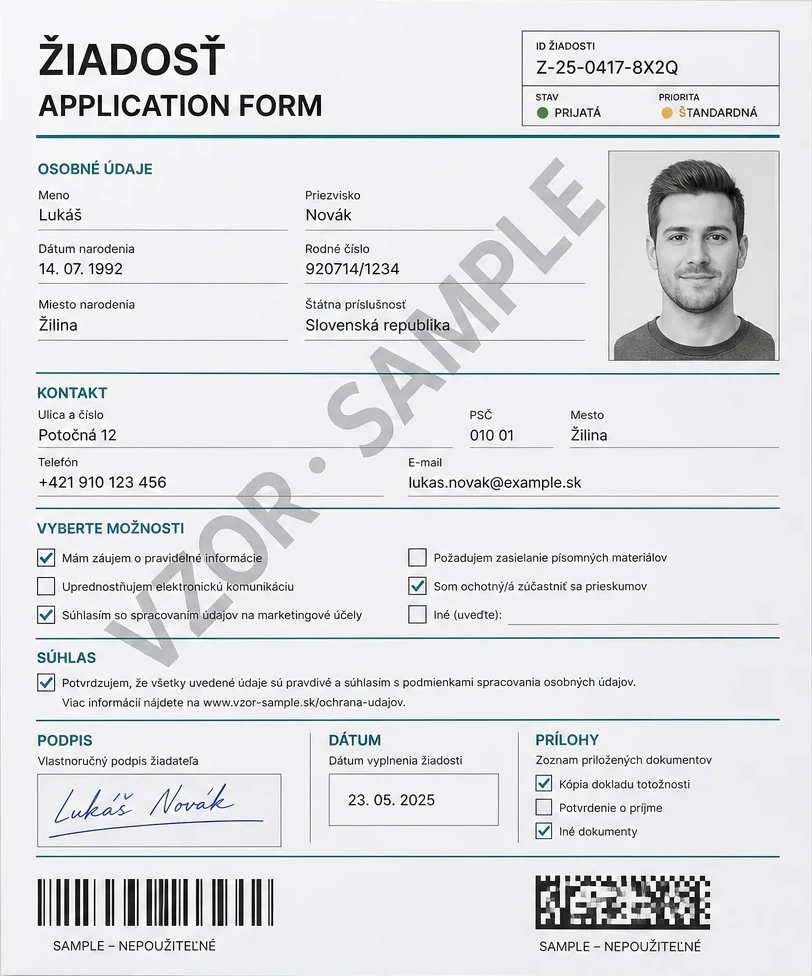
AI-generated demo images use fictional data, visible SPECIMEN markings and invalid machine-readable values. They are not real or customer documents.
Beyond the document
Three independent checks for different questions. Combine their results with your own acceptance and review rules.
Compare faces in two images, such as a document portrait and a selfie. Receive similarity and decision signals, with uncertain results routed for review.
Similarity supports review; it is not proof of identity or liveness.
Compare one candidate signature with three to five known references. Visual similarity supports review; it does not establish authenticity, identity, or authorship.
Capture a short, guided video selfie and retrieve a liveness assessment. A live-person check is separate from a face match and does not, on its own, establish identity.
Camera liveness access depends on your environment and workspace policy.
Check source quality, extract visual signals and use dedicated validation resources.
Find documents, vehicles, faces, barcodes, checkboxes, and signatures with normalized bounds and confidence.
Measure blur and rotation before poor source images reach downstream verification or archive workflows.
Return face regions, barcode values, checkbox state, and signature presence through one typed object model.
Use dedicated resources for lost-or-stolen card checks and postal address resolution.
Where it fits
Turn uploaded documents into structured records while preserving the source object, its bounds, and extraction status.
Extract a document portrait, compare it with a selfie, and optionally add a consented liveness session. Apply your own acceptance and review rules to the separate results.
Recognize supported vehicle imagery through an explicit vehicle processing resource using the same synchronous contract style.
Track operation-level usage, credits, budgets, subscriptions, API keys, and workspace access.